
Saturday morning, we had a major storm roll through our city at about 5:30 in the morning. I start this with that tidbit, even though I’m told that is incidental to my problem. The storm brought intense lightning, high winds and torrential rain. Thousands in our area lost power for several hours or more. We were fine though, other than some potted plants that blew over and a hammock that briefly became a sail, but didn’t cause damage.
Fast forward to noon and the bad news. My daily-use computer, a sleek, fast Asus laptop with Windows 10, starts to act squirrely. When all else fails, reboot, right? I rebooted and it’s been dead since. Endless “Starting Windows Repair”, followed by “Diagnosing PC” loop. The net is full of sad stories about this. Computer death by boot corruption.
Time to get a recovery disk and force start the computer. Oddly, I could not find my discs and had to make one from another Windows 10 computer.
My craft room laptop is an old brick of a Dell computer that is also Windows 10. It runs my embroidery machine and Cricut. I found a flash drive, went downstairs to the basement and commenced to creating a recovery drive.
Oops, freeze.
Reboot.
Uh-oh.
The Dell did the same thing. Stuck in a loop. Dead.
WTF? Really?
My very rusty troubleshooting hat reluctantly had to come out.
After some research and experimentation, I finally got to a blue screen of recovery and troubleshooting options on the Asus. Sadly, none of the options worked, including a Reset option, but I could get to a command prompt to try some Internet fixes, still to no avail.
With both computers dead, I was stuck. Somewhere in all of this, the Dell arrived at the same recovery/troubleshooting screen as the Asus. Not holding much hope, I tried Reset, which failed on the Asus, and to my shock, it worked on the Dell. An operational, albeit somewhat old and feeble computer. One down, one to resurrect.
My son brought over his laptop and finally, after two days, I was able to make a recovery thumb drive, whereupon I learned that a recovery disc is NOT the same as a startup disc. When I figured that out, then I had to run to Target to buy blank DV-R to make a startup disc.
Side note, apparently DV-R is so old the kids have no idea what you are asking for. The baby clerk stared at me dumb founded, shook his head like I was asking for a stone ax, then helpfully referred me to Best Buy. Turns out Target does carry blank CD-R and DV-R media, and I found them myself.
None of my recovery efforts helped, although I did find my data, intact. A call to official Asus support later and it was determined my operating system was fully corrupted. I needed a new install. Which brought me to the problem that I couldn’t find the original installation discs. No, said Asus, you never got discs. Asus doesn’t have licensing agreements with Microsoft, so they don’t provide them with new computers. If you need such a thing, it must be prepared for you using your computer’s serial number, and sent on a thumb drive. And it costs $50. Yes, I was talking to real support with Asus, not a scammer.
The good news is I ordered my reinstall drive, and I found my portable USB hard drive in a drawer. After conjuring up some DOS xcopy commands from somewhere deep in my brain, I backed up all my data, so I wouldn’t lose anything, and life can go on while I wait for my thumb drive from Asus.
So what caused all this mayhem? I’m told it was not the storm – – that was coincidental. A storm would have caused more havoc on other electronics in the house as well. Asus suggested it just happens, or I had a computer virus, although I’m diligent about scanning for that with SpyBot and Malware Bytes. It is curious that both Window 10 computers were hit simultaneously. I may never know what happened.
Passwords. I can’t remember passwords. I can dig up DOS command switches from forever ago, but don’t ask me for my password to something. Crap.
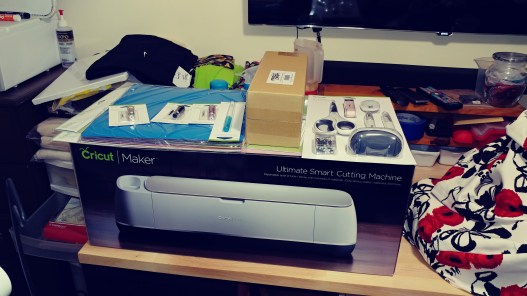

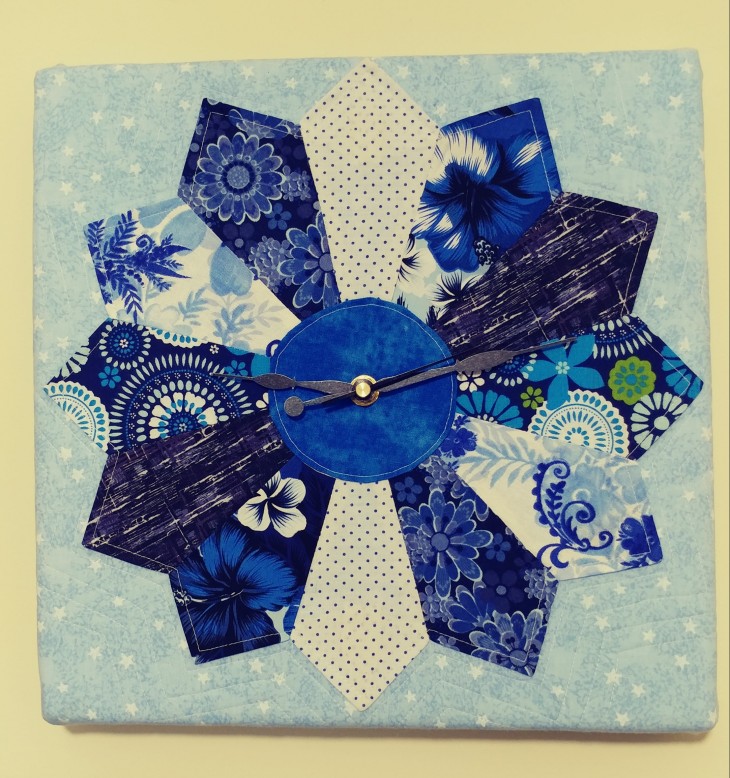
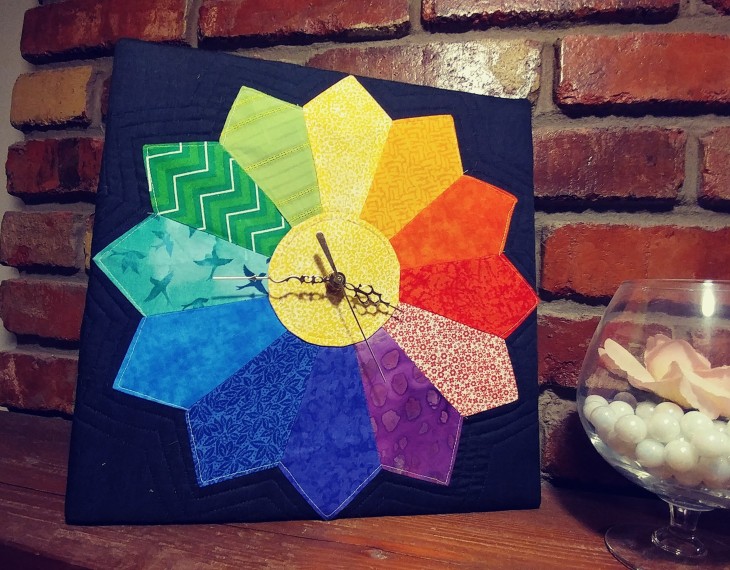





 This isn’t a product review, the product featured is discontinued. It’s more of a testimony of what you can do with some creativity. A couple of years ago, I found a Fiskars® Fuse Creativity System® letterpress/die cutter at a garage sale. From what I’d read it was designed for paper crafting like cutting shapes for making cards or scrap booking, neither of which are hobbies I ever took up. MartMan was impressed with how substantial the Fuse was, so he bought it. I wasn’t sure what to do with it, so it sat in my sewing room, under my sewing table. In all the time I’d had it, all I had done with it was some embossed coaster type things for work.


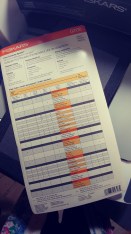 The info card that came with the Adapter kit lists a number of different die manufacturers that the Fuse will accommodate, including Sizzix®, another very popular die cutting system.
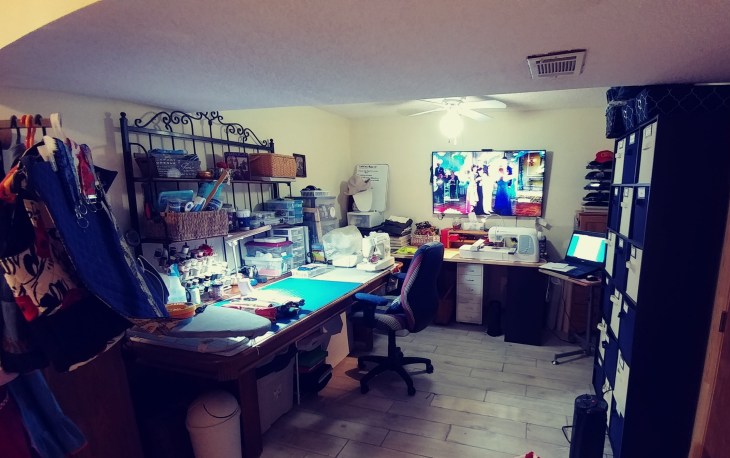
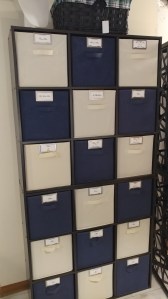

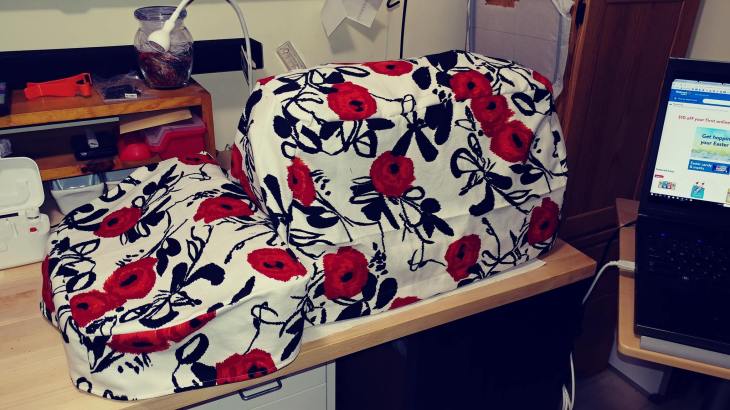
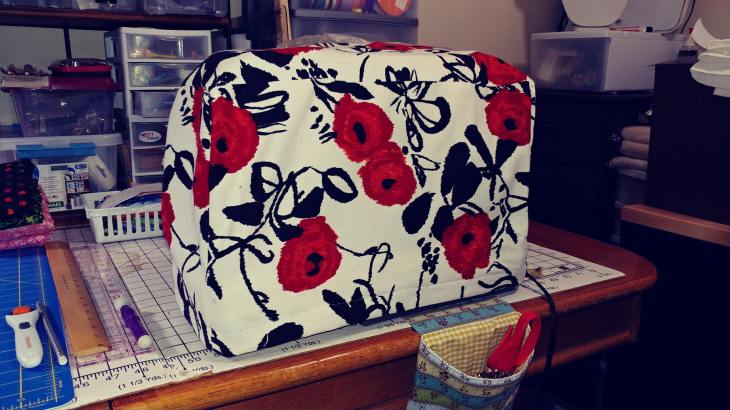
 I keep going down to my sewing room and sitting in a chair staring at all I’ve accumulated to create with, and I can’t get started. I look at Pinterest, and I save pins, but nothing is sparking “it”. Nothing appeals to me. I look at the stuff I have already created and all I see are flaws. I don’t enjoy sewing clothes, because I don’t like my size, and I can’t seem to figure out what size to use in patterns. My bags and totes don’t seem good enough to sell — everyone else’s things are perfect, their topstitching is gorgeous, their fabric is ironed flat, and their shapes are smooth and crisp, their binding is beautiful, and their seams have no buckles or puckers. I can point out every mistake I’ve made.

 Second office chair makeover, stripped screws and a trip to the hardware store
 Today I took apart her apart, and the only difference from the last makeover I did was this chair has a finished back on it, requiring fabric for both sides. Taking the back apart required a pry bar and some gentle but firm coaxing. Taking the screws that held the front of the backrest to the backrest support bar was a MAJOR challenge. The screws that were originally used were machine screws and I swear they were glued in as they were screwed down. I wound up stripping the Phillips heads while trying to take them out. So, I also highly recommend a little device called the
  I Am Milady